Hide a license plate. Share your photo.
Remove or blur car plates, right in your browser. Free. Private. No sign-up.
Example photo
Drop your photo here
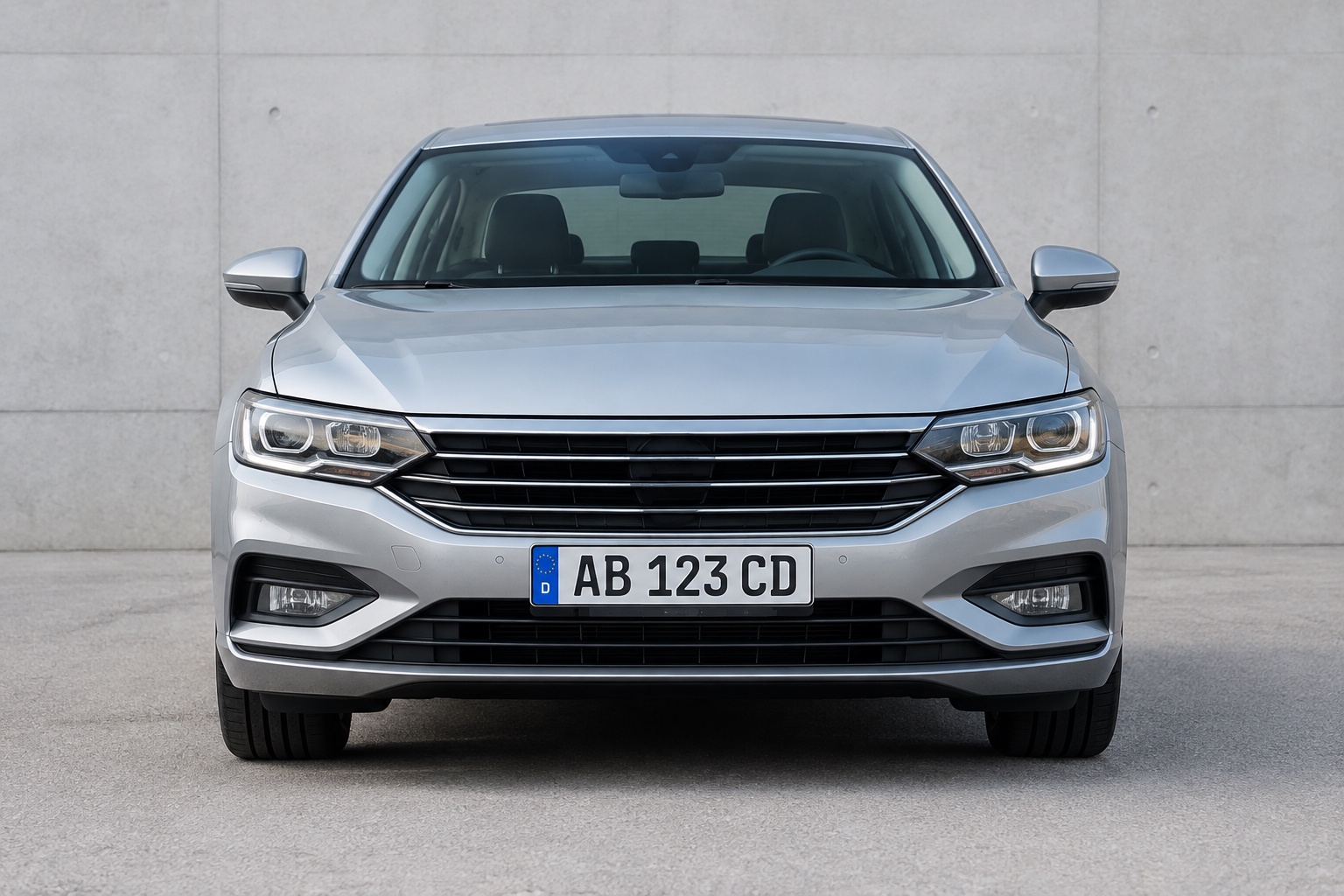
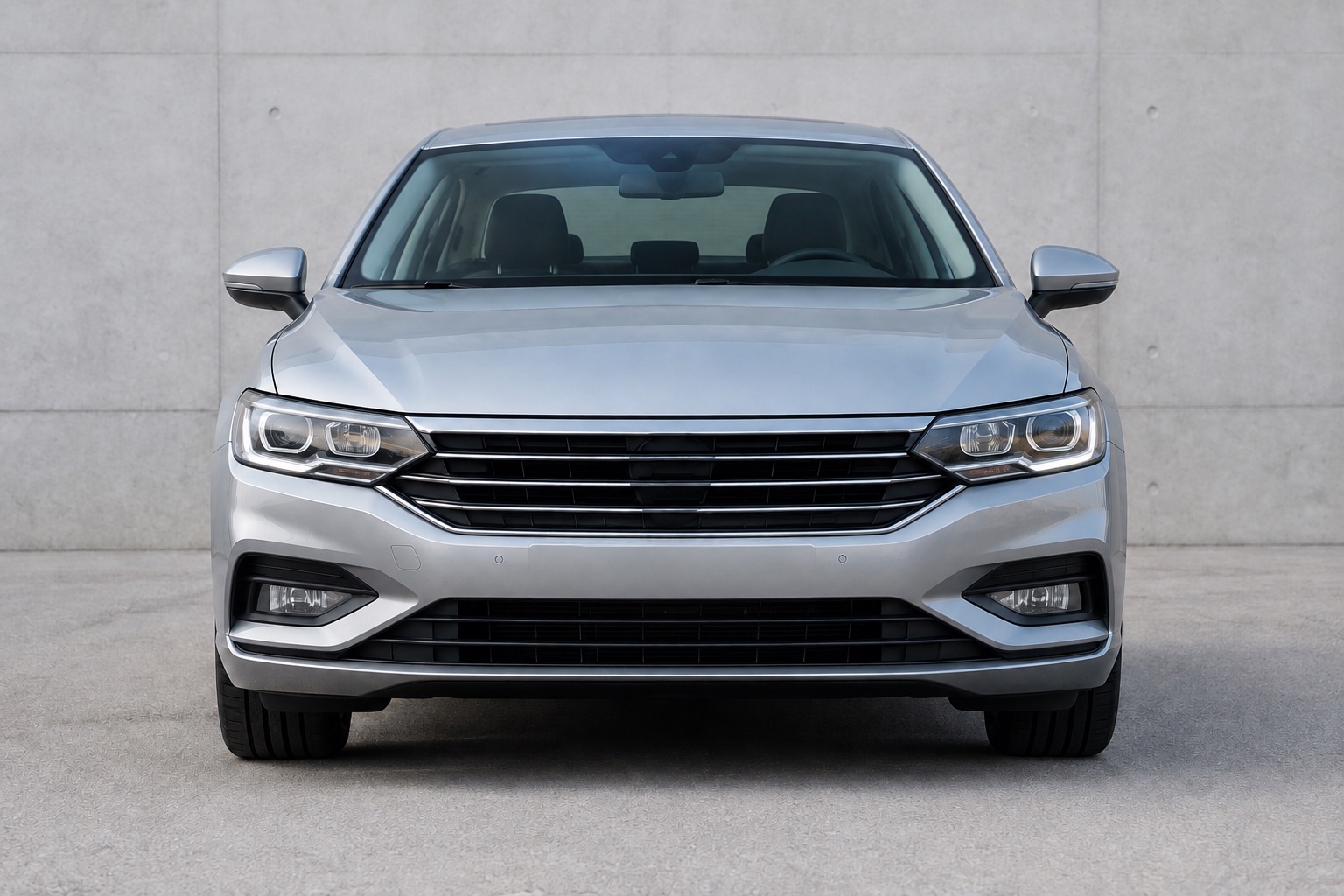
or drop it here · JPG, PNG, WebP
No photo uploadsFree to useNo account needed
Remove or blur car plates, right in your browser. Free. Private. No sign-up.
or drop it here · JPG, PNG, WebP
PlateRemover is a free online tool for hiding license plates in car photos. Remove a plate with AI inpainting for a clean, natural-looking finish, or blur it before sharing your photo.
Your photos stay on your device. Detection and editing happen in your browser—not on a server. No account, no uploads, and no watermarks.
Keep vehicle registration details out of online listings without distracting from the car.
Share car meets, street photography, and your latest project without exposing someone’s plate.
Protect your own privacy—or someone else’s—before posting on social media.
Edit sensitive photos locally, without sending the original image to another service.
Drop a JPG, PNG, or WebP into the tool, or choose a photo from your device.
Check the detected rectangle. If a plate is missed, draw a box over it. Choose Remove or Blur, then apply it.
Compare the result with the original, then save your edited photo as a full-resolution PNG.
The detector looks for the whole license plate and draws a rectangle around it. Small, angled, or partly hidden plates can be missed, so always check your photo before saving.
AI removal uses LaMa to fill the selected area from its surroundings. Quick removal uses a lighter fill method. Blur obscures the details while leaving the plate’s shape visible. For privacy, check that no characters remain readable in the finished image.
Yes. You can detect plates, remove or blur them, and save your photo for free, without an account or watermark.
No. Your photos are processed on your device. The browser downloads the detection and inpainting models, but your photo is not sent with those downloads.
The first time you use AI removal, your browser downloads the LaMa model (about 198 MB). It can cache the model for future visits. Blur and quick removal do not require this download.
Yes. Keep the detected boxes or draw additional rectangles over any plates you want to hide, then apply your chosen effect.
Yes, in supported modern browsers. Blur and quick removal are the lightest options; AI removal needs more memory and can take longer on a phone.